
iNET Domain & Site Inspector — domain lookup extension for Chrome
One click shows WHOIS, SSL, DNS, email security, IP/hosting and a security score for the site you're on. Free, built by iNET — an accredited domain registrar in Vietnam.
- Chrome · Edge · Brave · Opera
- No personal data collected
- No ads, no sign-up
Everything about a website, in one popup
Six tabs of insight for the tab you already have open — no copying domains into another tool.
WHOIS
Registrar, expiry date (colour-coded), nameservers. If the domain is available, see the price and register it at iNET right away.
SSL certificate
Issuer, days remaining, SAN list, TLS version, fingerprint. Red warning when the certificate is about to expire.
DNS records
A, AAAA, CNAME, MX, NS, TXT — resolved over DNS-over-HTTPS, one-tap copy for every record.
Email security
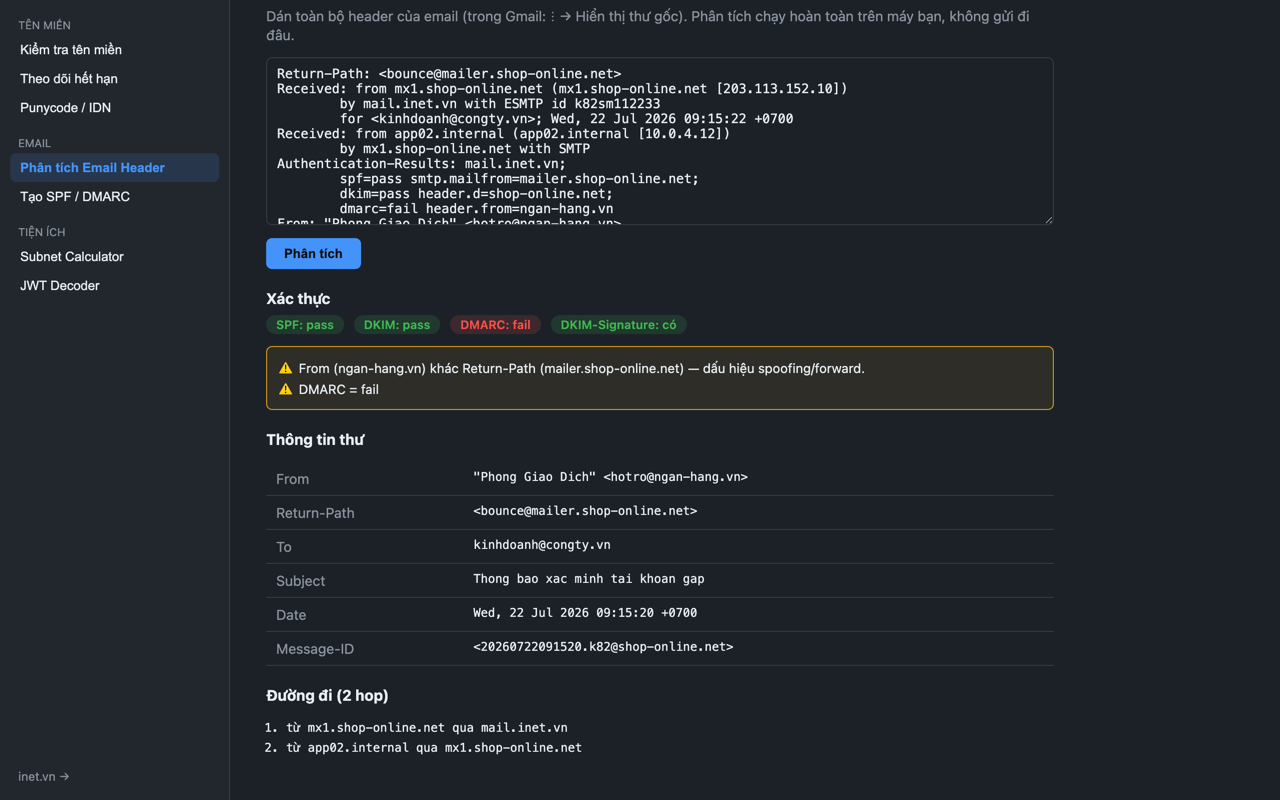
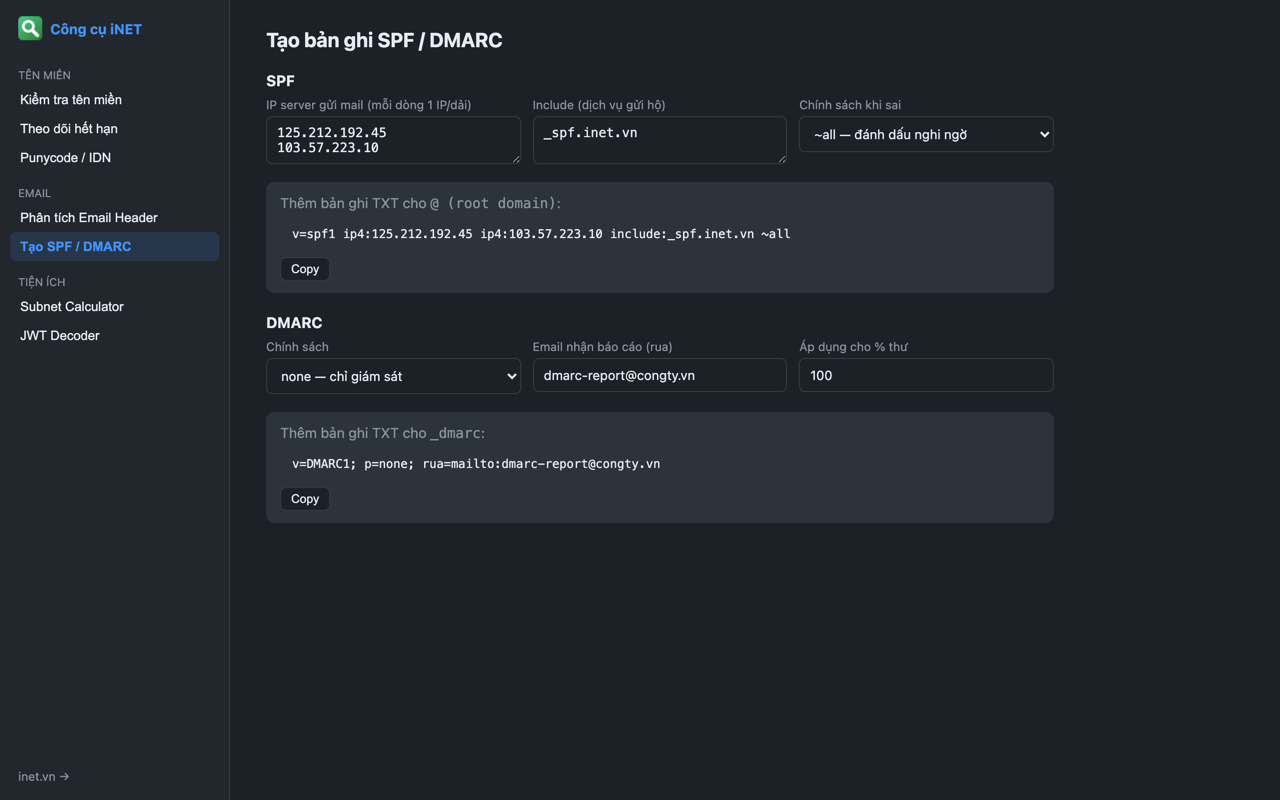
Check SPF, DKIM, DMARC, MX and BIMI for the domain — find out immediately why your mail lands in spam.
IP & hosting
Server location, provider, ASN, plus the IP checked against 6 major blacklists (Spamhaus, Spamcop…).
Security score A–F
A combined score across security headers, HTTPS, outdated TLS, DNSSEC, WAF/CDN and Tranco rank.
Expiry watchlist
Star any domain. The extension re-checks every 12 hours and notifies you when a domain or SSL certificate has ≤ 30 days left.
Built-in toolkit
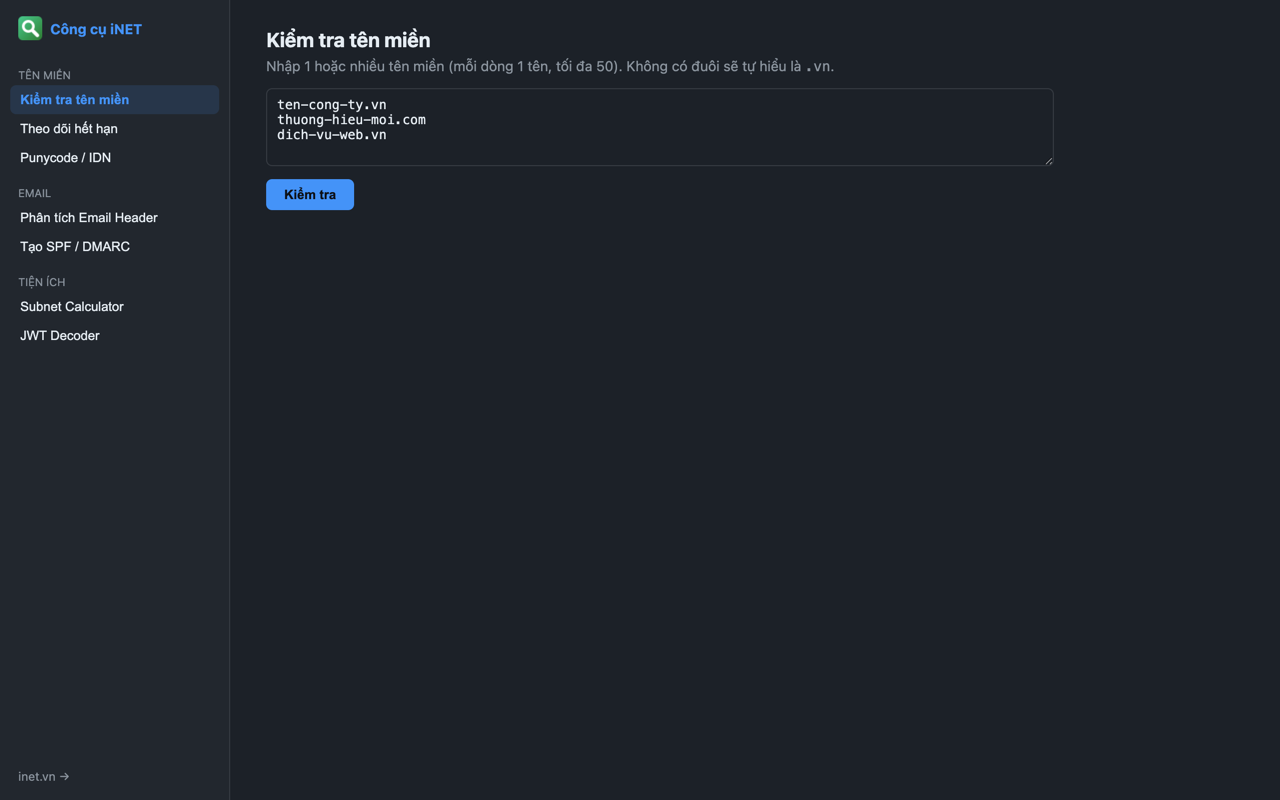
Bulk domain checks, email header analysis (spoofing detection), SPF/DMARC record builder, Punycode/IDN, subnet calculator, JWT decoder.
Instant lookup
Type `inet example.com` in the address bar, or select any domain on a page and right-click to check it.
Preview
A compact popup, plus a full tools page that opens in its own tab when you need to dig deeper.
Install in 30 seconds
No account, no configuration.
- 1
Open the Chrome Web Store
Click “Add to Chrome” on this page to open iNET's official extension listing.
- 2
Click “Add to Chrome”
Confirm the permissions. The extension only reads the tab URL when you click its icon.
- 3
Pin the icon
Click the puzzle icon in the toolbar and pin iNET Inspector so expiry warnings stay visible.
- 4
Look things up
Open any website and click the icon — or type `inet example.com` in the address bar.
Frequently asked questions
Is the extension free?
Yes. Completely free, no lookup limits, no ads and no iNET account required.
Does it collect my browsing data?
No. The extension collects no personal data and ships no trackers. When you run a lookup, only the domain being checked is sent to iNET's API. Analysis tools such as email header, subnet and JWT run entirely on your machine.
Which browsers are supported?
Any Chromium-based browser that installs extensions from the Chrome Web Store: Google Chrome, Microsoft Edge, Brave, Opera. Firefox and Safari builds are not available yet.
How is it different from using the tools on tools.inet.vn?
Same data, less friction: no copying domains, no new tabs. The extension also adds the A–F security score, an expiry watchlist with automatic notifications, and offline tools.
How much notice do I get before a domain expires?
The extension checks your watchlist every 12 hours and notifies you when a domain or SSL certificate has 30 days or fewer remaining.
Install the extension and inspect any tab you're on
Free on the Chrome Web Store — made by iNET.
Add to Chrome — free